




9 min reading
GA4 BigQuery Export: When You Really Need It



Meta has significantly changed how developers and businesses integrate with its platforms. Instead of manually selecting dozens of permissions and APIs, Meta now encourages the use of App User Cases — predefined integration scenarios designed to make development faster, safer, and more predictable.
In this article, we’ll explain what Meta App User Cases are, why Meta introduced them, and how Meta App User Cases work in real product setups. Think of this as a practical Meta App Use Cases tutorial for teams that want fewer surprises during review and fewer reworks during development. Whether you work with Facebook Login, WhatsApp Business API, Messenger API, or Instagram Graph API, this guide will help you understand how to choose the right setup and pass Meta App Review with fewer issues.
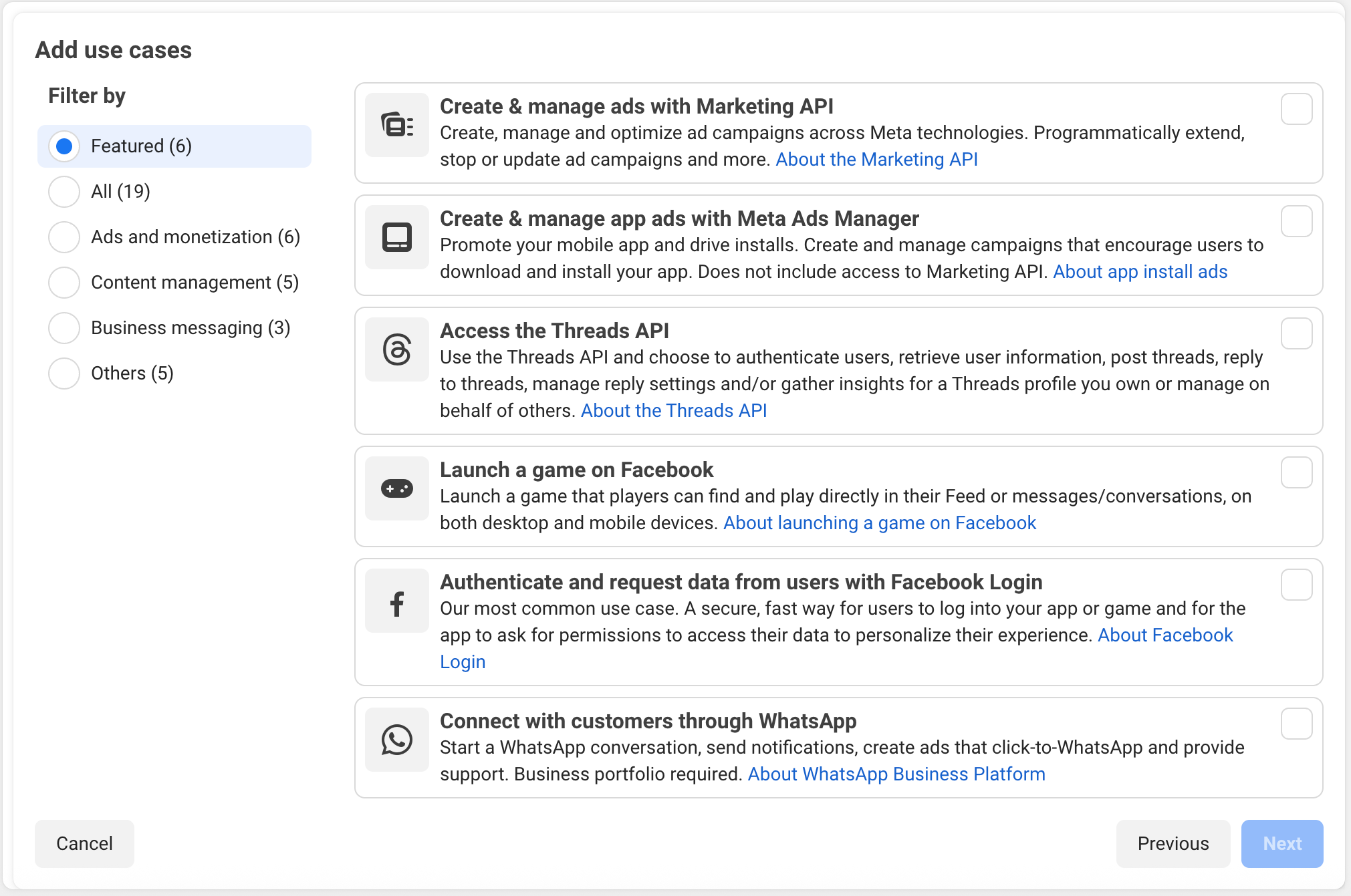
In the Meta ecosystem, User Cases (sometimes called “Use Cases” in documentation) represent structured integration scenarios that combine specific APIs, features, and permissions into a single logical package. Instead of building your app configuration from scratch, you select a scenario that matches your product’s purpose and the exact scope of API integration you need.
Meta groups capabilities this way for a few key reasons: to reduce incorrect or excessive access to user data, to align apps more closely with platform policies, and to make the App Review process clearer and faster through a more predictable compliance check. For businesses and developers, this approach brings real benefits: faster integration, fewer configuration mistakes, and a much more predictable Meta App Review experience.
A Meta App User Case is a pre-configured set of permissions and platform features designed for a specific type of app behavior.
Instead of asking:
“Which permissions do I need?”
Meta now asks:
“What does your app actually do?”
Meta introduced User Cases to address three major challenges:
By choosing a User Case, you automatically align your app with Meta’s expectations for data usage and functionality.
Comparing Meta Ads vs LinkedIn Ads is especially useful when deciding between B2B and B2C acquisition strategies.
The Facebook Login integration User Case focuses on secure and low-friction authentication. In practice, it defines the expected authentication flow and limits access to user data to what is relevant for sign-in and account linking.
It allows apps to:
This User Case is commonly used in SaaS products, mobile apps, and e-commerce platforms where conversion speed matters.
This User Case supports automated and scalable communication via WhatsApp Business API and Messenger API.
Typical use cases include:
It is especially valuable for e-commerce, logistics, travel, healthcare, and service-based businesses that rely on real-time communication.
A proper remarketing setup allows businesses to reconnect with users who have already interacted with their website or app.
This User Case connects your app to Meta Ads Manager for advertising and performance optimization.
It enables:
Mobile apps, subscription services, and gaming platforms commonly use this scenario to scale acquisition and revenue.
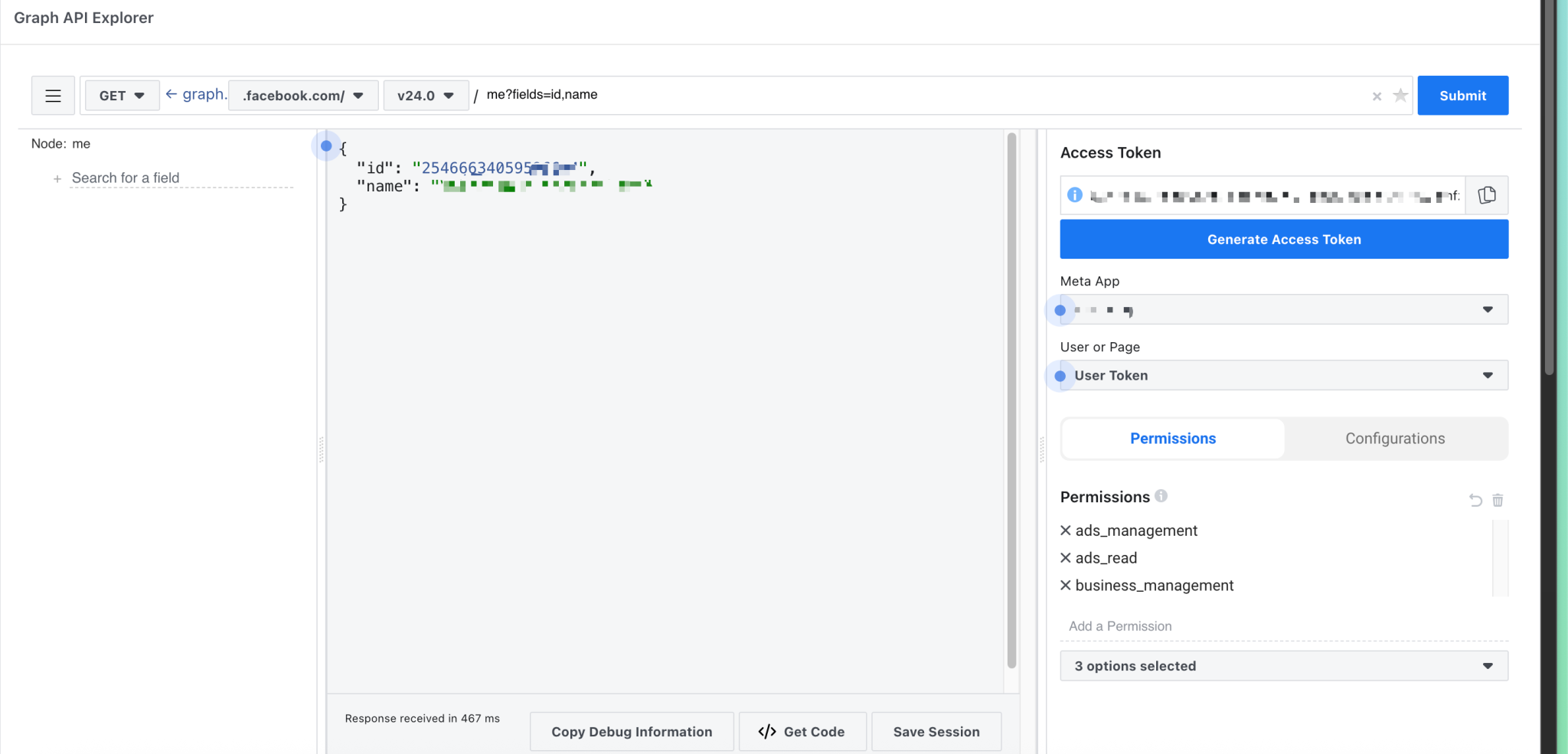
Designed for content and analytics tools, this User Case focuses on Instagram Graph API and related insights.
It supports:
Social media management platforms and marketing agencies rely heavily on this setup.
Professional paid traffic services help businesses build reliable acquisition strategies across multiple advertising platforms.
Gaming User Cases are tailored for interactive and social experiences.
They enable:
These integrations are common in mobile and web games where community features drive retention.
Meta App User Cases are designed to guide you through Meta App Use Cases integration in a clear and structured way, especially when your configuration needs to be review-ready from day one.
When creating a new app inside the Meta for Developers developer platform, you choose a User Case that matches your product’s core functionality. This is where Meta for Developers use cases and Facebook developer use cases matter most, because your selection determines which APIs and features are available by default.
Each User Case comes with a predefined set of Meta app permissions. You only request what is relevant to your scenario, reducing policy risks and unnecessary access to user data.
Because your app is tied to a specific User Case, Meta clearly communicates what documentation is required. Screenshots, test credentials, and explanations become more structured and easier to prepare. This step also makes app submission more predictable, because reviewers can quickly map your materials to the expected behavior and run an efficient compliance check.3
Once approved, the integration scales smoothly into analytics, CRM integration with Meta, attribution tools, and messaging automation workflows without reconfiguring core permissions.
Modern AI-powered ad analysis helps marketers identify performance patterns and optimization opportunities much faster than manual reviews.
From a marketing and analytics perspective, Meta App User Cases unlock several important advantages.
Structured integrations improve data consistency across platforms, making attribution models more reliable and easier to analyze. Many teams include competitor creative research as part of campaign planning to validate ideas before investing budget.
User Cases designed for ads and monetization ensure that events are sent in the correct format, improving optimization and reporting accuracy.
Login app use cases for Facebook reduce friction at sign-up, leading to higher completion rates and cleaner user identity data.
Messaging User Cases enable scalable automation while staying compliant with Meta’s messaging policies.
Together, these benefits help teams build stronger app tracking & analytics pipelines and reduce data gaps.
Meta App User Cases represent a shift toward intent-based integration. Instead of focusing on individual permissions, Meta now encourages developers and businesses to clearly define what their app does — and then provides a structured, compliant path to build it.
Our paid social case for NinjaPromo demonstrates how structured Meta integrations support scalable social advertising campaigns.
If you’re planning a new Meta integration, reviewing your existing app setup, or preparing for Meta App Review, starting with the right User Case can save weeks of development and review time.
If you want a second set of eyes on your User Case selection, permissions, and App Review package, Livepage can help you map the safest setup and prepare the materials reviewers expect. Reach out, and we’ll help you move from “it should work” to an integration that passes review with fewer surprises.


“Livepage has proven to be a reliable source for rapid online growth. We started with 2,000 visitors per month. In 3 years together with Livepage we have reached 70,000 visitors and more than 100 leads from the site per month.”


“As for the results, we’ve been working together since 2015, and our traffic has increased 10x. I cannot say that Livepage was our first SEO company, but they have become the first SEO partner that helped us to achieve the success we were looking for.”


“Livepage delivers SEO efforts that have led to an increase in the site’s users, traffic, and conversions. The team uses a wide range of tools to achieve the client’s goals. They are attentive to the client’s needs, working with them in real-time and bringing in additional specialists when needed.”


“I am pleased with the quick task execution and the instant replies to my messages.”


“I like the complex approach that the Livepage team offers. Absolutely all team members work together; everyone is aware of what is happening on the project. We have one common goal – to increase our service sales, and the team is making every effort to achieve the goal as soon as possible.”


“We’ve been really impressed by how Livepage quickly understood our business and centred our PPC campaign around our objectives. We have achieved good results within a very short time in both revenue and ROI.”


“Everything is clear, timely, and understandable.”


“They have leveraged ideal opportunities to reach our business goals.”