




1 min reading
Review of Cooperation with Livepage from MISSIA Bridal


Businesses today collect massive amounts of data. Clicks, page views, conversions — all of this has long been part of standard web analytics. But there is one thing numbers alone cannot explain: what the customer actually feels.
A person may visit a website, spend five minutes there, and leave without buying anything. In reports, this may look like a bounce or a lost user. But why did it happen? Did they dislike the design? Were the delivery terms unclear? Or maybe they simply did not trust the brand?
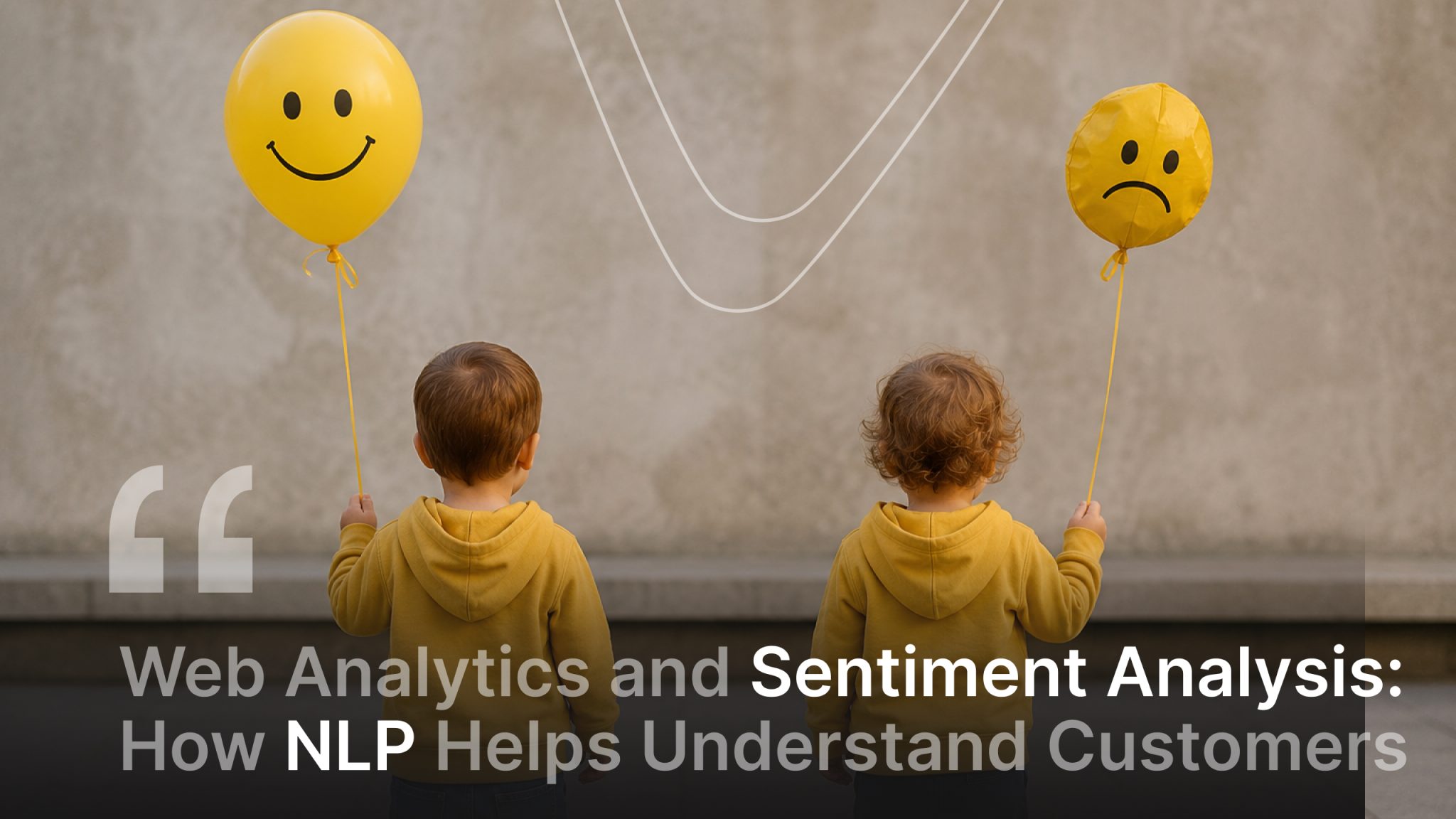
This is where sentiment analysis comes in — an approach that helps understand users’ emotions, reactions, and attitudes toward a product or company.
Every day, users leave behind huge amounts of text data: reviews, comments, support messages, and reactions on social media. These are not simply words on a screen — they reflect emotions, expectations, complaints, and real customer pain points. And while web analytics answers the question “What is happening?”, sentiment analysis helps explain “Why is it happening?”
To process thousands or even millions of texts, human effort alone is no longer enough. This is where NLP, or Natural Language Processing, comes in — a technology that allows systems to “understand” text in a way that is similar to how people do.
This technology can identify:
For example, if hundreds of users write “slow delivery,” the system will notice it much faster than a manager manually going through reviews.
Imagine this: an advertising campaign brings in a lot of traffic, but there are almost no sales. Standard web analytics will show that users visit the site, browse the pages, and then leave without converting. But it will not explain why.
Now add sentiment analysis, and suddenly, you discover that:
In this situation, it becomes clear that the issue is not the ad campaign but the brand’s trust and the overall user experience.
Sentiment analysis does not have to be a complex AI system with a huge budget. It can be introduced gradually, even in a small business.
Let’s say you have dozens or hundreds of product reviews. Usually, they are read manually, but that takes time and can be subjective. Instead, you can export all reviews — for example, from your website, marketplace, or the App Store — and run them through a sentiment analysis tool to get a clear overview.
As a result, you might see something like:
“80% of reviews are positive, but 40% of negative comments are related to delivery.”
That gives you a clear signal that the issue is not with the product itself but with the delivery process.
Customer support is a highly underrated source of data. In chats and email support, customers usually write very honestly. But often, this data simply sits in the CRM and is never properly analyzed.
Here’s what you can do:
This makes it easier to spot bugs, problems in the sales funnel, and weak points in the service.
If a brand is active on social media or is often mentioned by users, this becomes a valuable source of information for sentiment analysis.
In this case, you can:
This is especially useful during new product launches, advertising campaigns, or website updates.
Sentiment analysis can be done with both beginner-friendly tools and more advanced technical solutions.
Basic level:
Advanced level:
This is where things get especially interesting. Web analytics is great at showing user behavior: where people go, where they click, and at what stage they leave the sales funnel. However, it does not explain the emotions or reasons behind those actions.
For example, in Google Analytics 4, you can see:
But analytics alone will not answer the main question: why are users behaving this way? That is where NLP adds the missing context.
Let’s say GA4 shows that users are adding products to their carts, but many do not complete checkout. At first glance, it may seem like the problem is the advertising, poor targeting, or prices that are too high. But after analyzing reviews, support messages, and social media comments, you may notice repeated phrases, such as:
At that point, it becomes clear that traffic may not be the issue. The real issue may be trust, UX, or unclear communication.
Imagine that a certain article or landing page gets strong organic traffic but has very low engagement time. Looking at the numbers, it may seem like people simply are not reading the content.
But NLP analysis of comments, search queries, or user responses may reveal several issues. For example, the text may be too complicated, users may not be finding answers to their questions, or the content may not match their expectations after they arrive from Google Search or an ad.
So the issue is no longer technical. It is about communication.
Sentiment analysis becomes especially effective when combined with audience segmentation. For example, you can analyze separately:
In some cases, you may find that users from paid social leave far more negative comments, while mobile users are more likely to complain about checkout. This makes it much easier to spot issues than just looking through graphs in an analytics system.
Another important advantage of NLP is the ability to prioritize problems correctly. Any product will always have dozens of small flaws, but sentiment analysis helps you understand:
For example, you may have 15 different bugs, but if 60% of negative messages are related to delivery, that is the issue that should become the optimization priority.
In essence, combining web analytics with NLP moves a business from “we see the problem” to “we understand the cause of the problem and can test a hypothesis through A/B testing, UX changes, or new communication.” That is where the real value of this approach lies.
Modern analytics is no longer limited to measuring numbers but is about gaining a deeper understanding of human behavior. By integrating web analytics with NLP technologies, businesses can move beyond simply recording drop-offs and start analyzing user intent.
In the past, we could only see the fact that a user had left the website. Today, algorithms help decode the reasons behind that action: whether the user got confused by the interface, could not find the right information, or simply did not feel enough trust in the brand. This approach takes product, marketing, and UX work to an entirely new level.
Contact Livepage to get the most value from your data and implement modern web analytics approaches in your business.


“Livepage has proven to be a reliable source for rapid online growth. We started with 2,000 visitors per month. In 3 years together with Livepage we have reached 70,000 visitors and more than 100 leads from the site per month.”


“As for the results, we’ve been working together since 2015, and our traffic has increased 10x. I cannot say that Livepage was our first SEO company, but they have become the first SEO partner that helped us to achieve the success we were looking for.”


“Livepage delivers SEO efforts that have led to an increase in the site’s users, traffic, and conversions. The team uses a wide range of tools to achieve the client’s goals. They are attentive to the client’s needs, working with them in real-time and bringing in additional specialists when needed.”


“I am pleased with the quick task execution and the instant replies to my messages.”


“I like the complex approach that the Livepage team offers. Absolutely all team members work together; everyone is aware of what is happening on the project. We have one common goal – to increase our service sales, and the team is making every effort to achieve the goal as soon as possible.”

“We’ve been really impressed by how Livepage quickly understood our business and centred our PPC campaign around our objectives. We have achieved good results within a very short time in both revenue and ROI.”


“Everything is clear, timely, and understandable.”


“They have leveraged ideal opportunities to reach our business goals.”