






19 min reading
How to Get Featured in Google AI Overviews: A Step-by-Step Website Optimization Guide



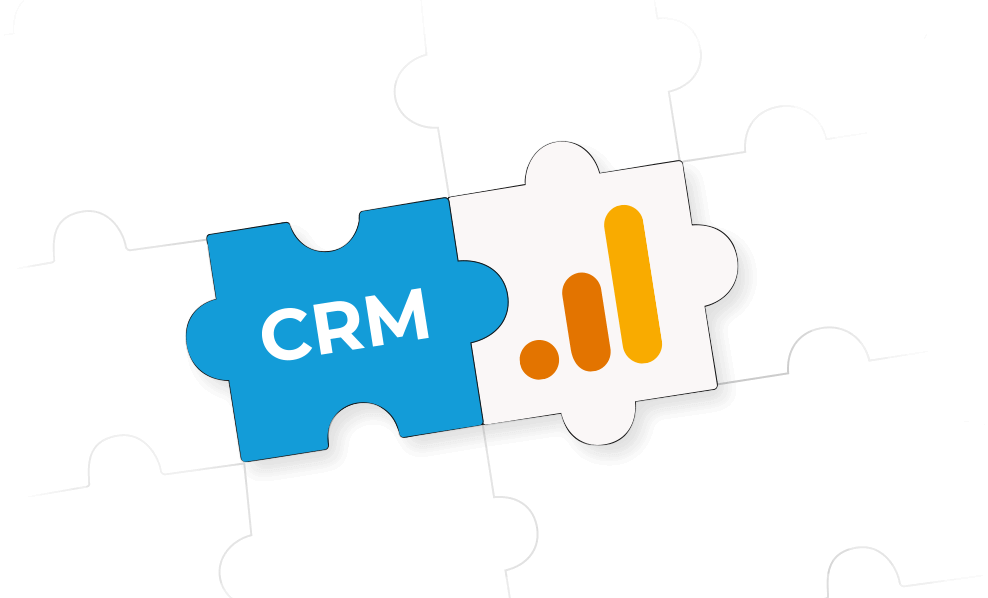
Imagine this: you launch an ad campaign, open Google Analytics 4, and see 120 leads. Then you check your CRM, and there are only 86. Sound familiar?
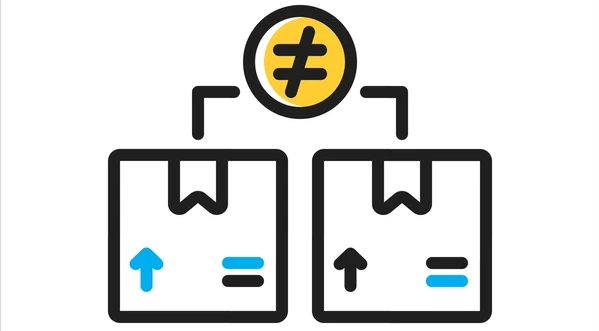
A GA4 CRM data discrepancy is one of the most common issues in modern marketing analytics. Because of this mismatch, companies start questioning their reports, misjudge campaign performance, and make decisions based on inaccurate data.
Therefore, in this article, we’ll explain:
To understand the issue, it’s important to remember something many teams forget: GA4 and CRM systems collect data differently, which is the main reason behind the mismatch.
That’s why GA4 shows more conversions than CRM in many projects. GA4 often tracks user intent, whereas CRM only records leads that are successfully processed.
To understand where these discrepancies come from, it helps to look at the most common issues that affect tracking and reporting accuracy.
Let’s say a user submits a form on your website. GA4 records the event successfully, but the form fails because of a technical issue, and the CRM never receives the lead. As a result, GA4 records a conversion, and CRM does not. This is one of the main reasons why CRM leads don’t match GA4 form submissions.
If you regularly see more leads in analytics than in your CRM, the problem is often related to the way data moves between your website, GTM, backend systems, APIs, and CRM integrations.
Another major reason behind a GA4 CRM data discrepancy is the attribution model used by each platform.
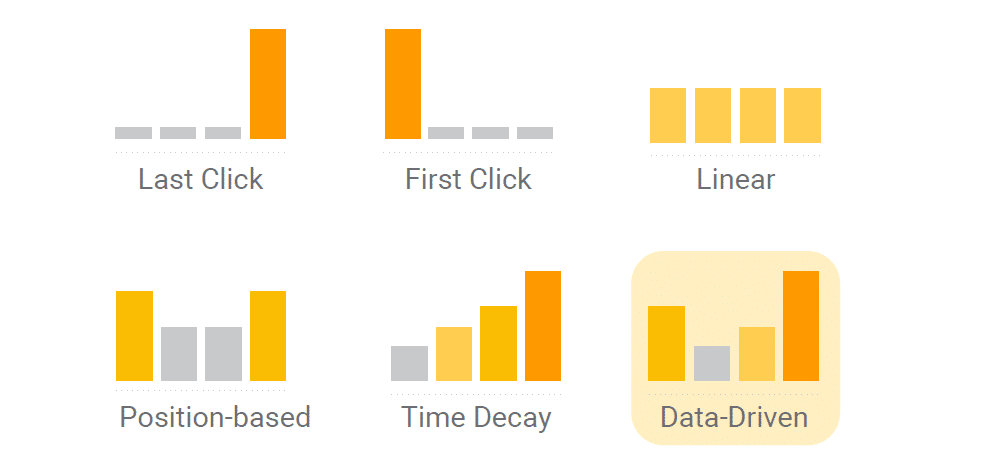
GA4 uses a data-driven attribution model by default. CRM systems, however, often rely on first-click or last-click attribution. Because of this, the same lead may be assigned to different channels, marketing reports become inconsistent, and campaign performance appears different across systems. This issue becomes especially visible when comparing CRM data with advertising platforms like Google Ads or Meta Ads.
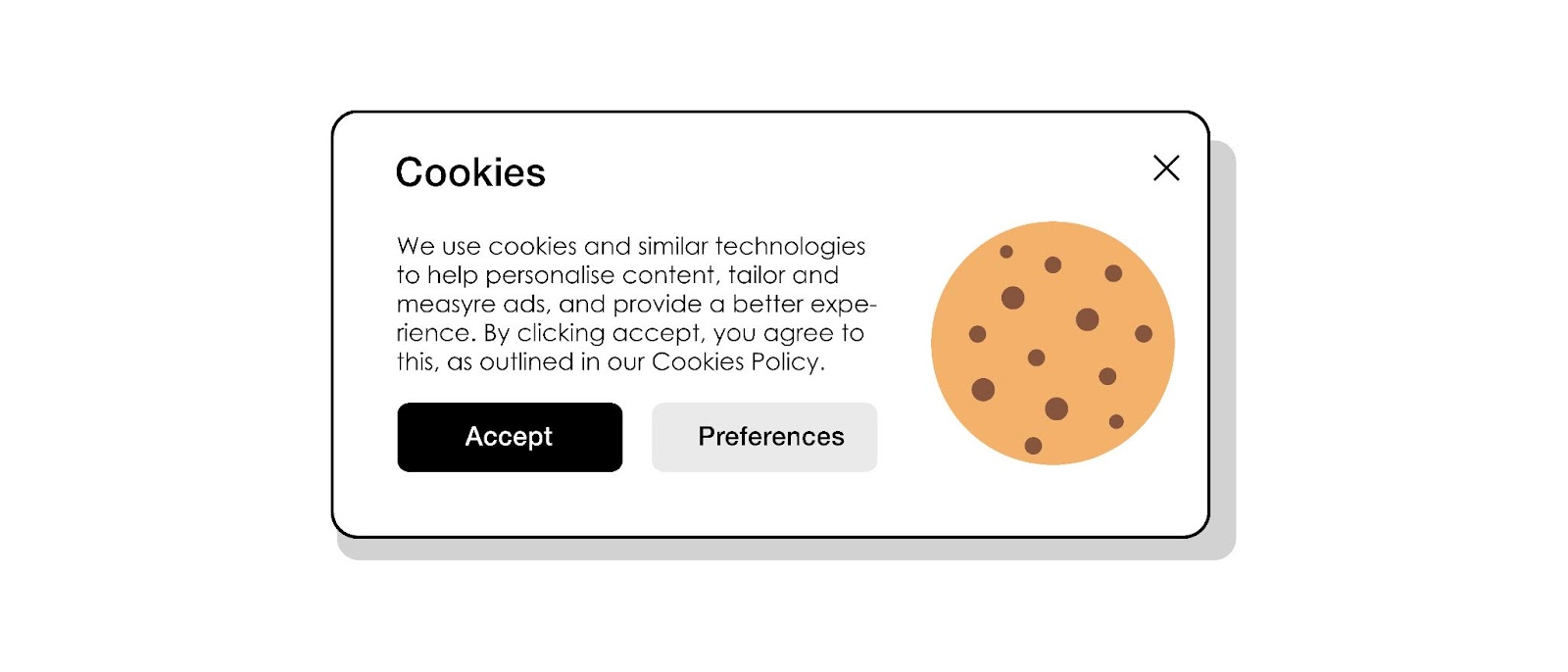
Today, cookie consent and browser privacy limitations have a massive impact on data accuracy. If users reject tracking cookies, use ad blockers, or browse in Safari or Firefox with privacy protections enabled, GA4 may lose part of the conversion tracking data. The CRM, however, may still receive the lead successfully. In many cases, server-side tracking can partially reduce these losses by improving tracking reliability beyond browser limitations.
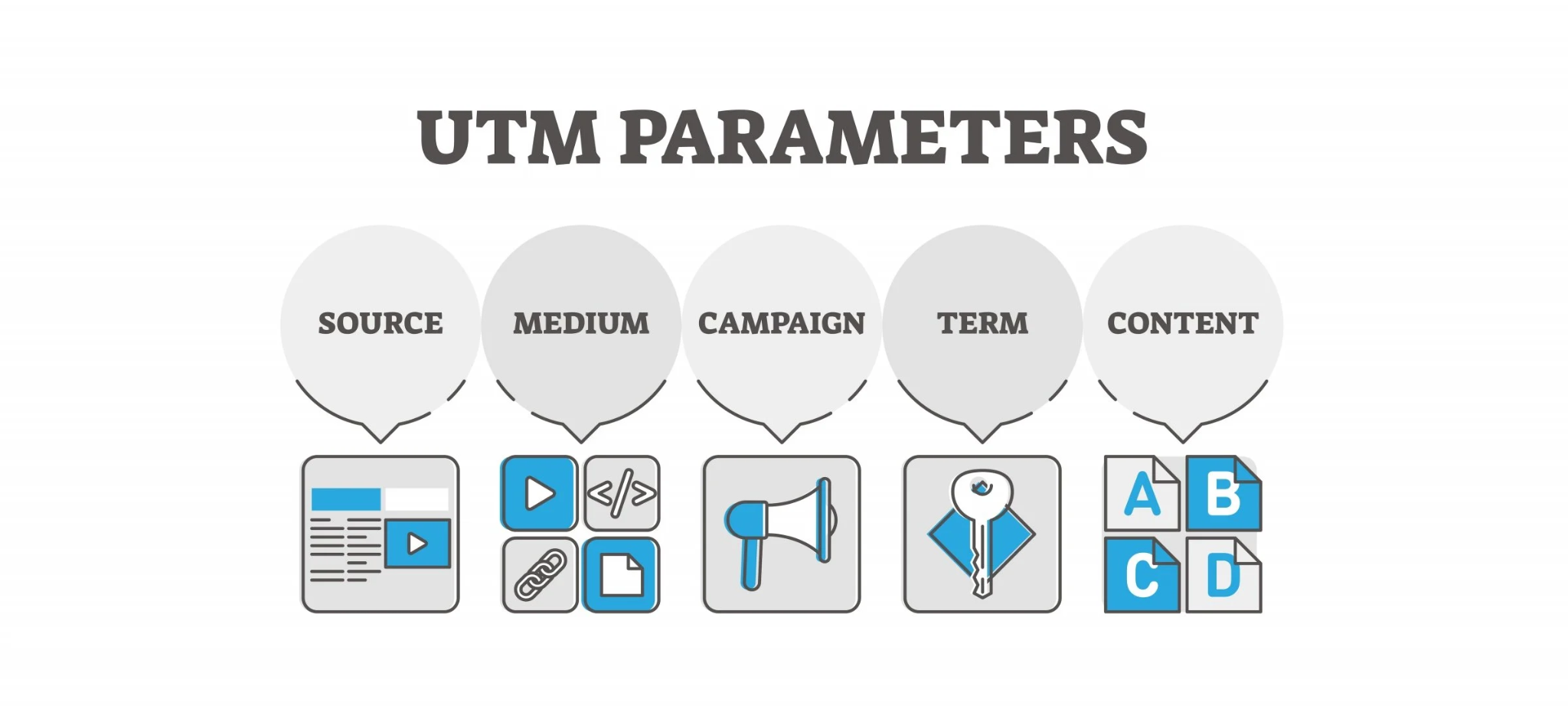
UTM parameters are critical for accurate marketing analytics and funnel analysis. However, UTMs often break because:
This results in inconsistent attribution or incorrect traffic source reporting, broken cross-channel tracking, and inaccurate marketing analytics data. A UTM tracking CRM GA4 mismatch is especially common in complex websites or multi-domain environments.
Another very common reason for data discrepancy is that GA4 and CRM systems handle duplicate submissions differently. Google Analytics 4 records nearly every interaction with a form or button. If a user clicks “Submit” multiple times, refreshes the page after submitting the form, or accidentally sends duplicate requests, GA4 may count all of them as separate conversions.
Most CRMs attempt to prevent duplicate leads by merging contacts with the same email or phone number. Many systems also include anti-spam filtering and lead validation mechanisms.
This is one of the key reasons why GA4 shows more conversions than CRM. Some conversions visible in analytics are actually repeated submissions, duplicate events, or testing activity rather than genuine new leads.
Sometimes the issue is much simpler than expected. GA4 and CRM systems may simply use different timezone settings. Because of this, a lead submitted late at night in CRM may be assigned to the next calendar day in GA4.
In large projects with high traffic volume, even small time zone shifts can noticeably affect reporting consistency. This becomes especially problematic in international projects where advertising platforms use one timezone when GA4 uses another. As a result, marketing teams and sales teams may see different daily numbers even though monthly totals remain relatively similar.
Tracking implementation issues are another major source of discrepancies in GA4 CRM data. Sometimes GTM tags fire twice due to incorrect triggers or duplicate containers. In other cases, conversion events are sent to GA4 before the backend confirms successful form processing.
SPA websites built with React or Vue often introduce additional problems like duplicated page view events or repeated event triggers during route changes. Improperly configured server-side tracking can also lead to duplicated or lost events between browser-side and server-side tracking systems. Over time, these issues reduce data integrity and make reporting less reliable.
When businesses notice discrepancies between GA4 and CRM, the first question is usually: “Which platform is actually correct?”
The short answer is simple — both systems are trustworthy, but for different purposes.
Thus, GA4 focuses on user behavior and helps analyze:
CRM systems focus on business outcomes and are better suited for:
GA4 helps you understand how users move toward conversion. CRM helps you understand what happens after the conversion from a business perspective. The two systems should complement each other rather than compete.
Fixing a GA4 conversion tracking discrepancy requires a more reliable and consistent approach to how conversion data is collected and processed.
Do not trigger conversion events immediately after button clicks. The correct flow should be:
This dramatically improves data integrity.
Server-side tracking helps to reduce data loss, as well as bypass some ad blocker limitations and stabilize event tracking to improve data accuracy.
One of the best ways to improve lead tracking and attribution is to store:
This makes revenue reconciliation and full-funnel marketing analytics significantly more accurate.
To fix GA4 data mismatch issues, duplicate tracking must be minimized. Use unique identifiers such as transaction_id, event_id, or lead_id. This helps prevent duplicated form submissions and repeated events.
Even a properly configured analytics setup can break over time. Therefore, you should regularly review:
Perfect alignment between GA4 and CRM is extremely rare. In most projects:
A GA4 CRM data discrepancy does not always mean something is broken. In many cases, the mismatch simply reflects the fact that GA4 and CRM systems measure different parts of the customer journey. GA4 focuses on user behavior and marketing interactions, while CRM focuses on validated business outcomes.
The goal is not to achieve perfectly identical numbers but to understand the reasons behind the discrepancy and minimize data loss wherever possible. Once your tracking becomes more reliable, your reports become more trustworthy, and your marketing decisions become far more effective. Contact Livepage, if you need expert help identifying and resolving GA4 CRM data discrepancies.


“Livepage has proven to be a reliable source for rapid online growth. We started with 2,000 visitors per month. In 3 years together with Livepage we have reached 70,000 visitors and more than 100 leads from the site per month.”


“As for the results, we’ve been working together since 2015, and our traffic has increased 10x. I cannot say that Livepage was our first SEO company, but they have become the first SEO partner that helped us to achieve the success we were looking for.”


“Livepage delivers SEO efforts that have led to an increase in the site’s users, traffic, and conversions. The team uses a wide range of tools to achieve the client’s goals. They are attentive to the client’s needs, working with them in real-time and bringing in additional specialists when needed.”


“I am pleased with the quick task execution and the instant replies to my messages.”


“I like the complex approach that the Livepage team offers. Absolutely all team members work together; everyone is aware of what is happening on the project. We have one common goal – to increase our service sales, and the team is making every effort to achieve the goal as soon as possible.”


“We’ve been really impressed by how Livepage quickly understood our business and centred our PPC campaign around our objectives. We have achieved good results within a very short time in both revenue and ROI.”


“Everything is clear, timely, and understandable.”


“They have leveraged ideal opportunities to reach our business goals.”